
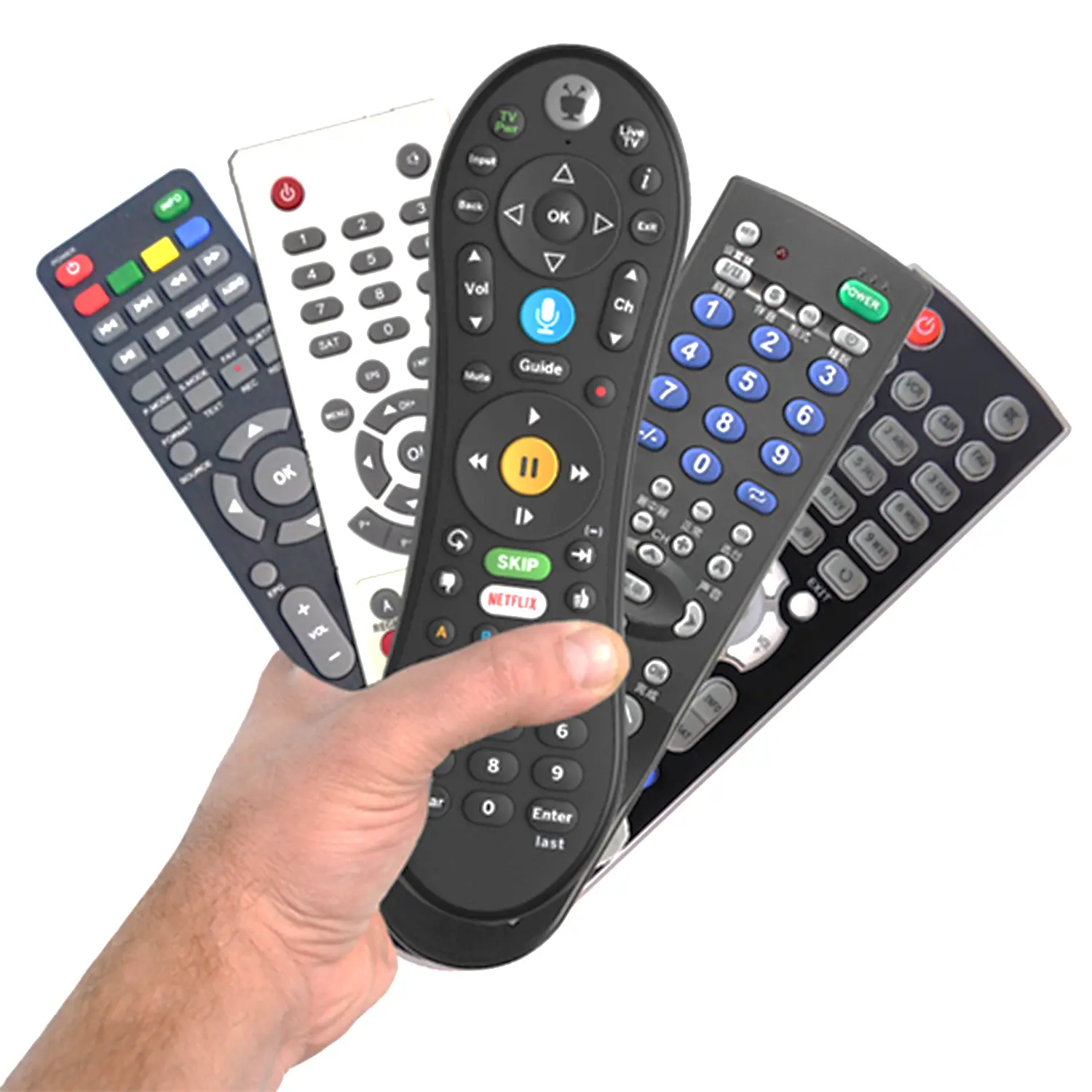
TV Remote Not Working
Starting from
100 ৳
(per visit)
Service Details
- Checking TV remote battery and power supply.
- Inspecting remote buttons and keypad condition.
- Diagnosing signal transmission issues.
- Cleaning or repairing remote internal contacts.
- Checking TV remote sensor functionality.
- Testing remote control operation after repair.
Similar services
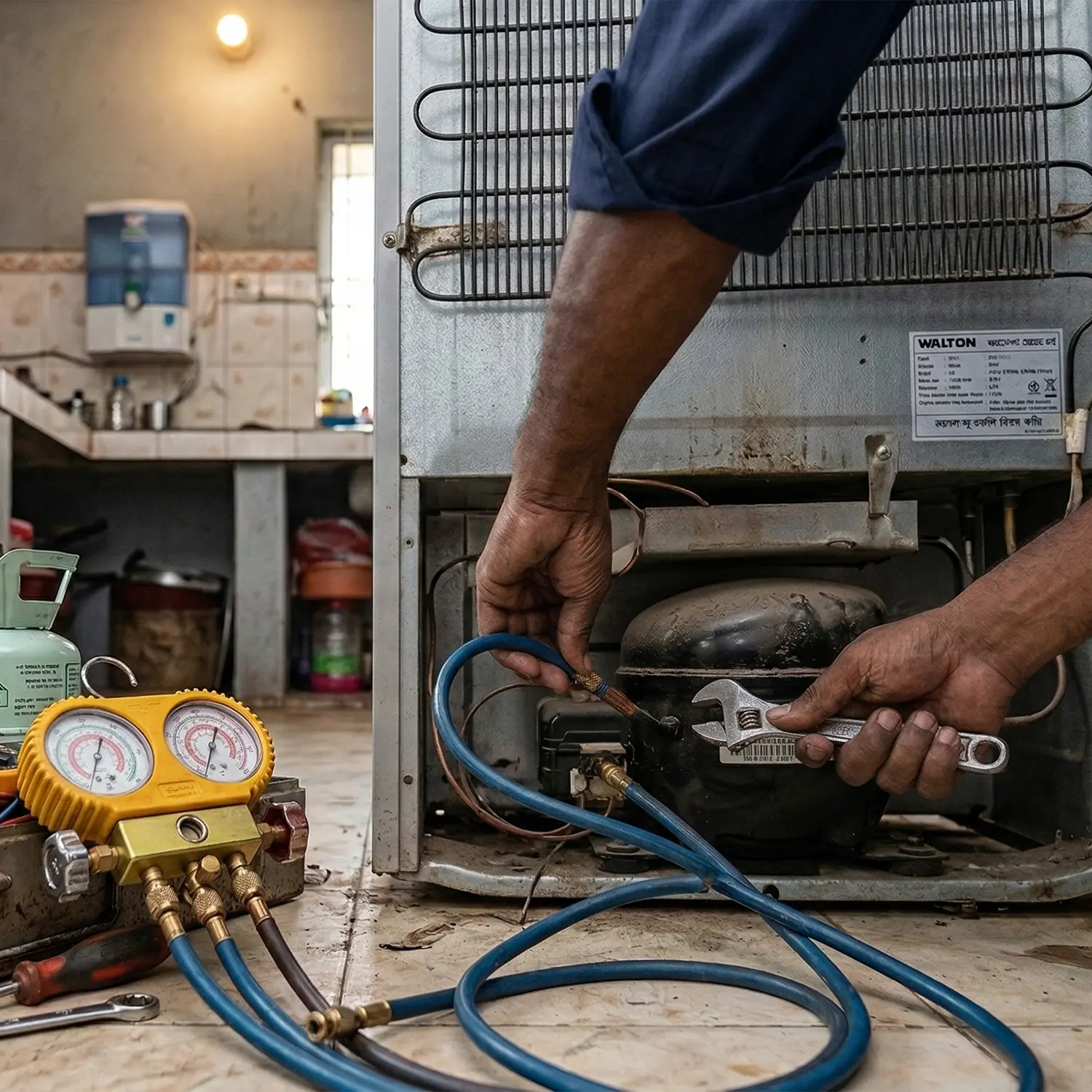
Fridge Not Cooling Diagnosis and Fix
Similar
TV Remote Not Working
Similar
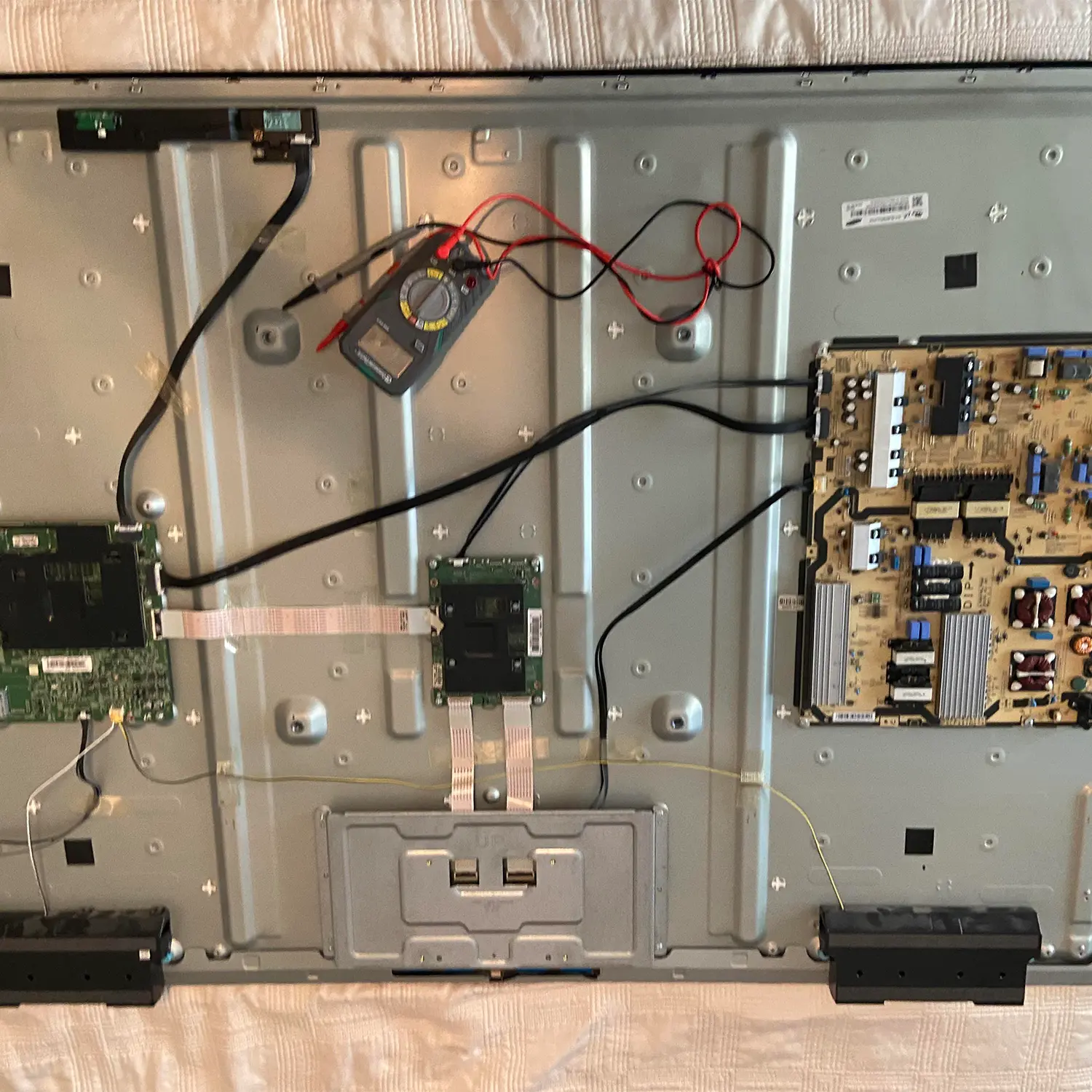
TV No Power Diagnosis
Similar
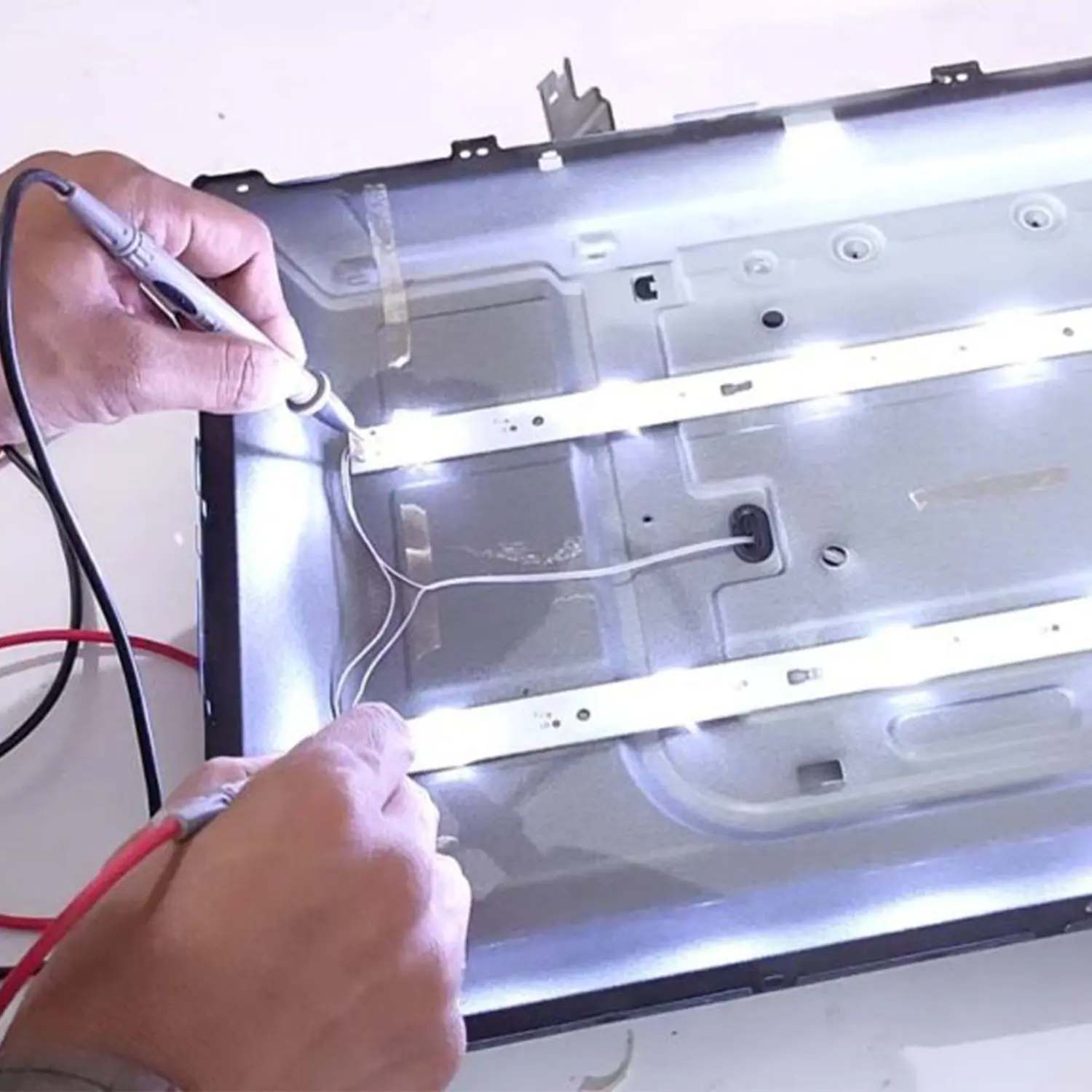
Backlight Repair (LED/LCD)
Similar
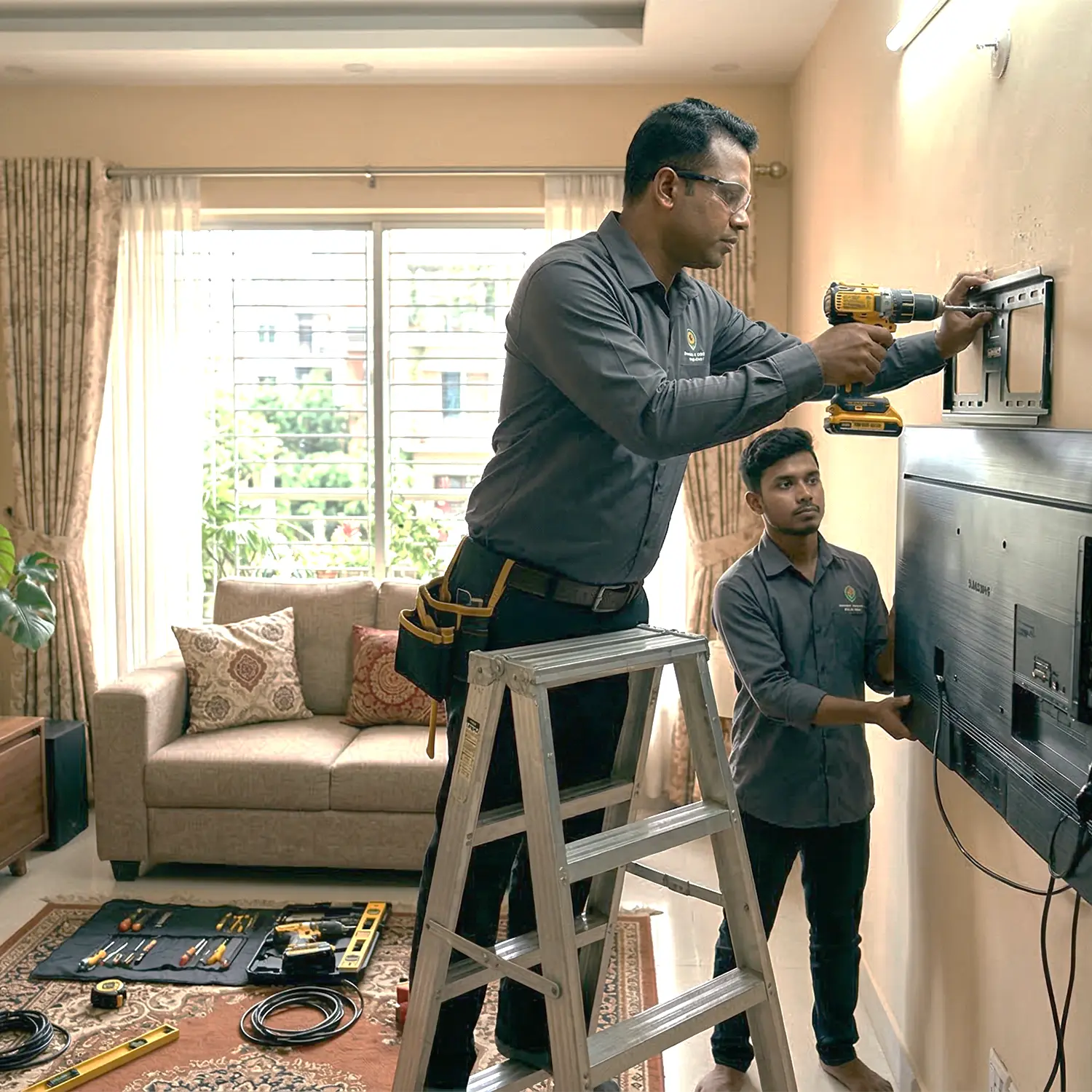
TV Wall Mount & Installation
Similar
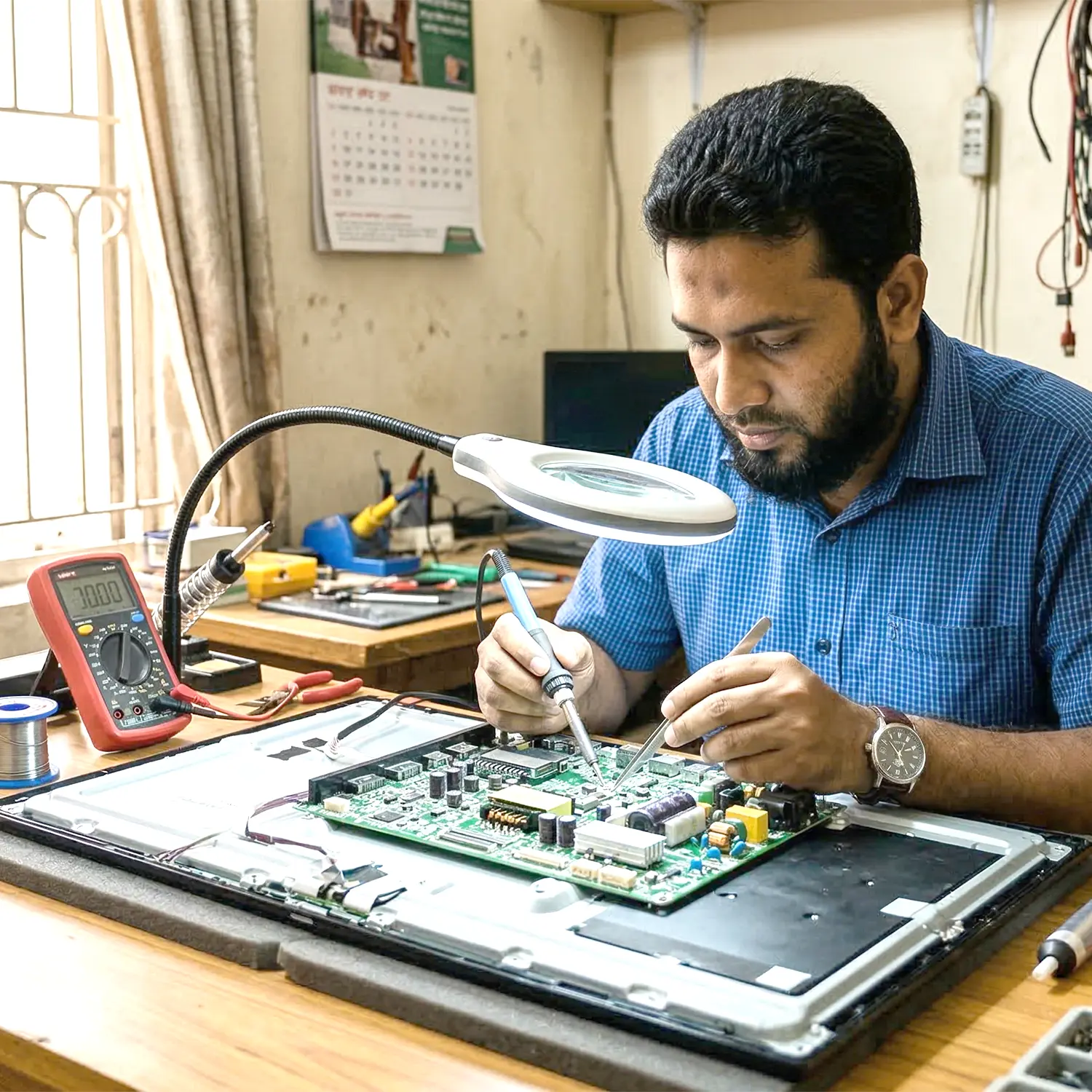
TV PCB/Control Board Repair
Similar
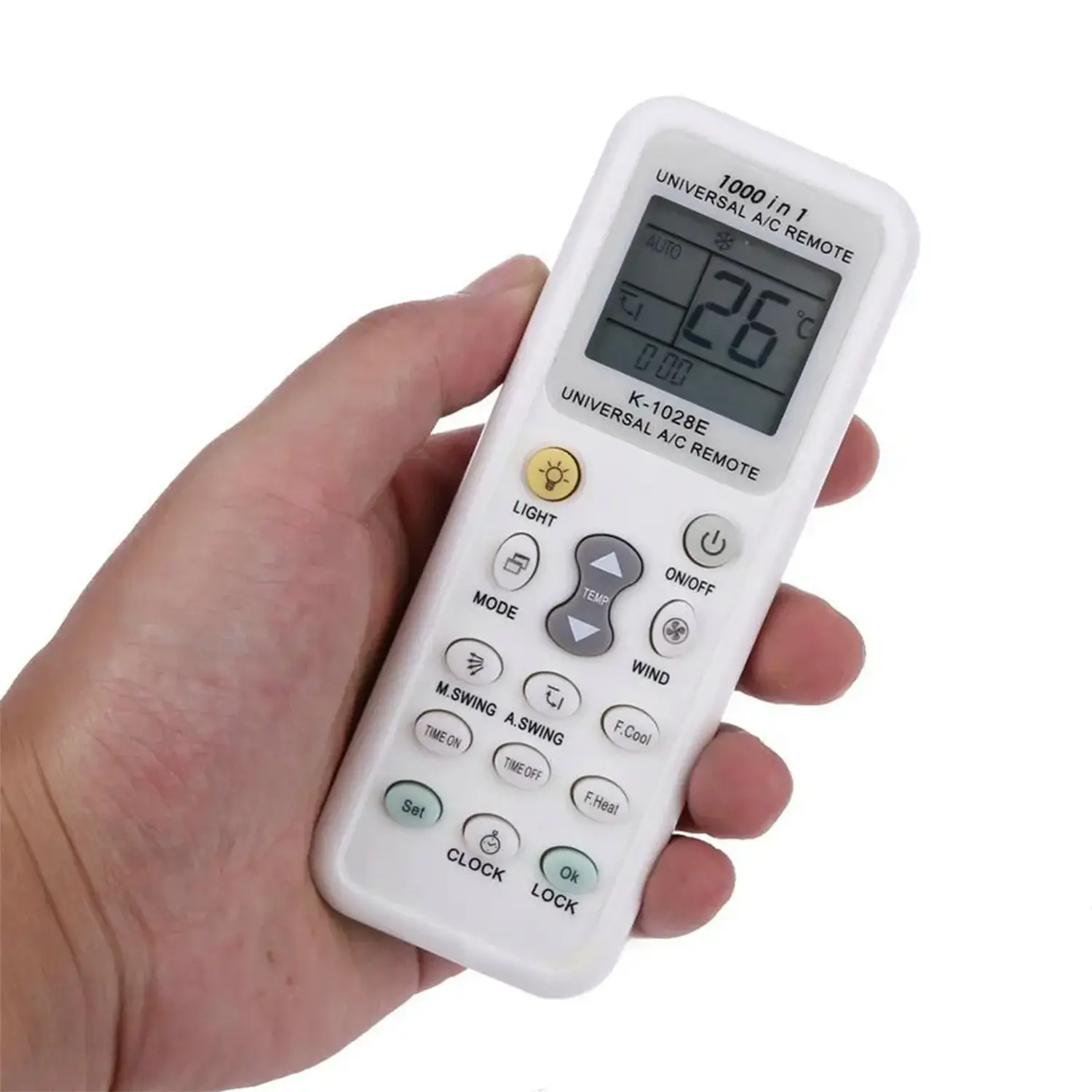
AC Remote Not Working
Similar
CCTV Camera Installation (Single)
Similar

TV/Appliance Packing Support
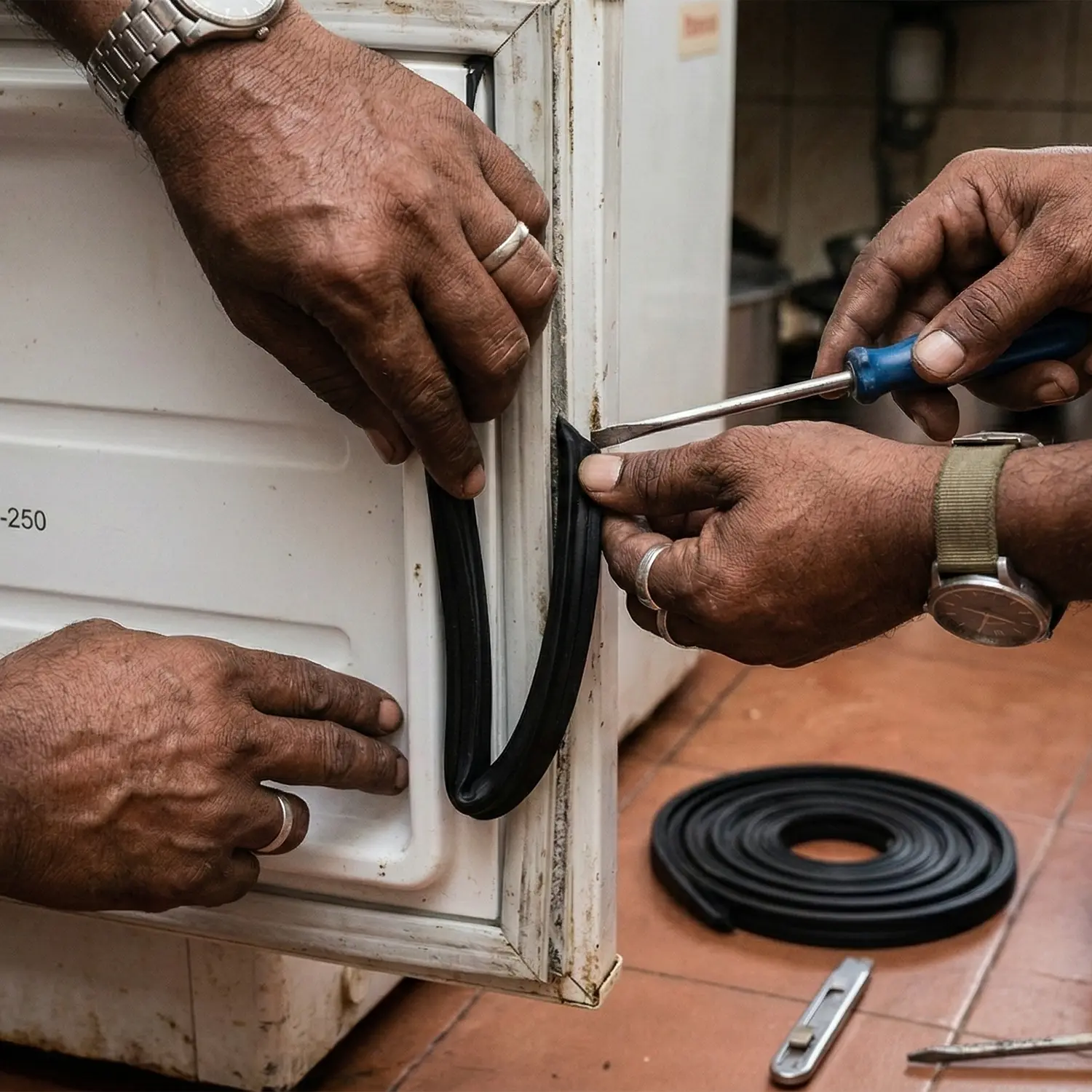
Fridge Door Problem Fix
Refrigerator Electric Shock Problem Fix
Fridge Over Cooling Problem Fix
Inverter Fridge Repair (PCB/Control Board Repair)
Washing Machine Repair Service
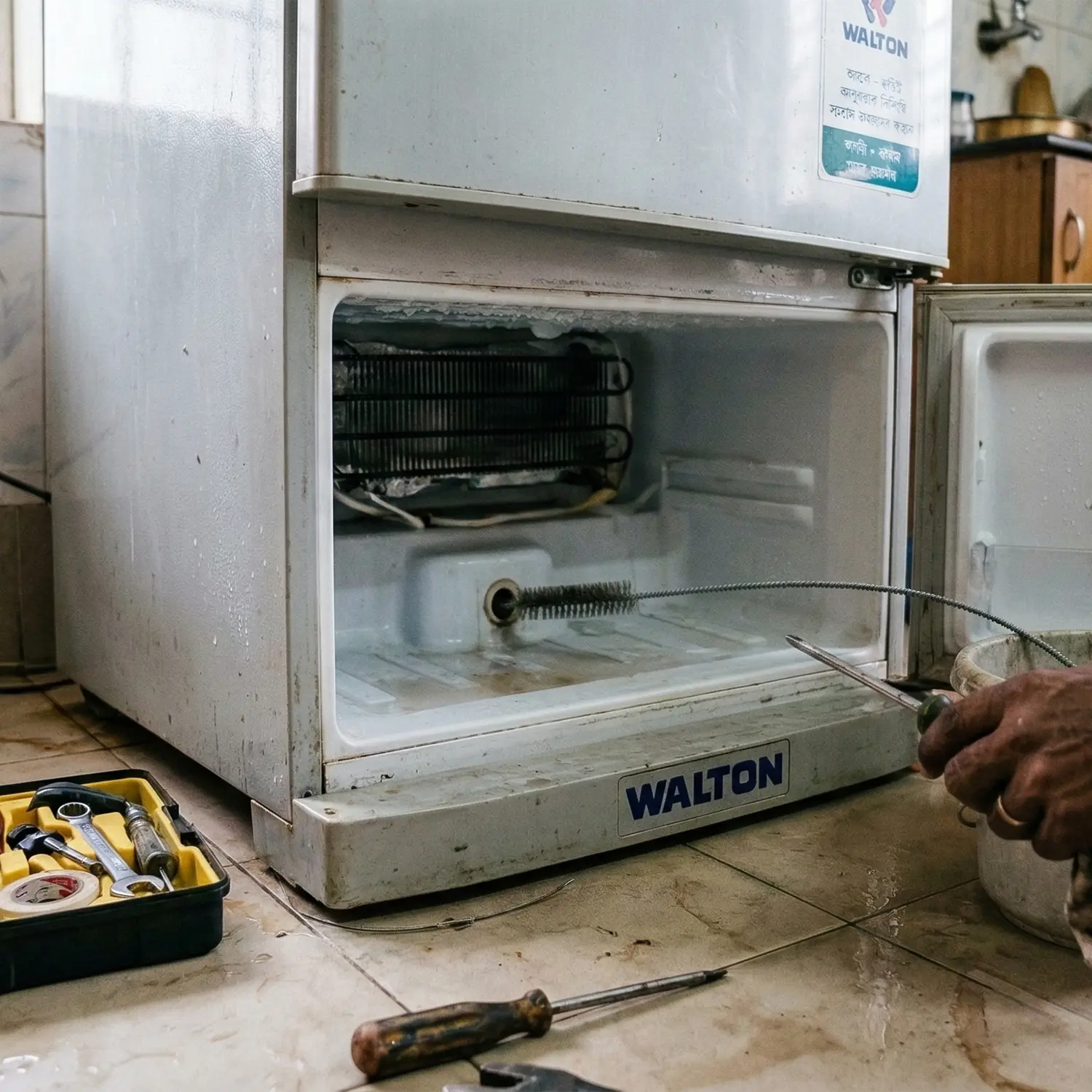
Freezer Water Leakage Fix
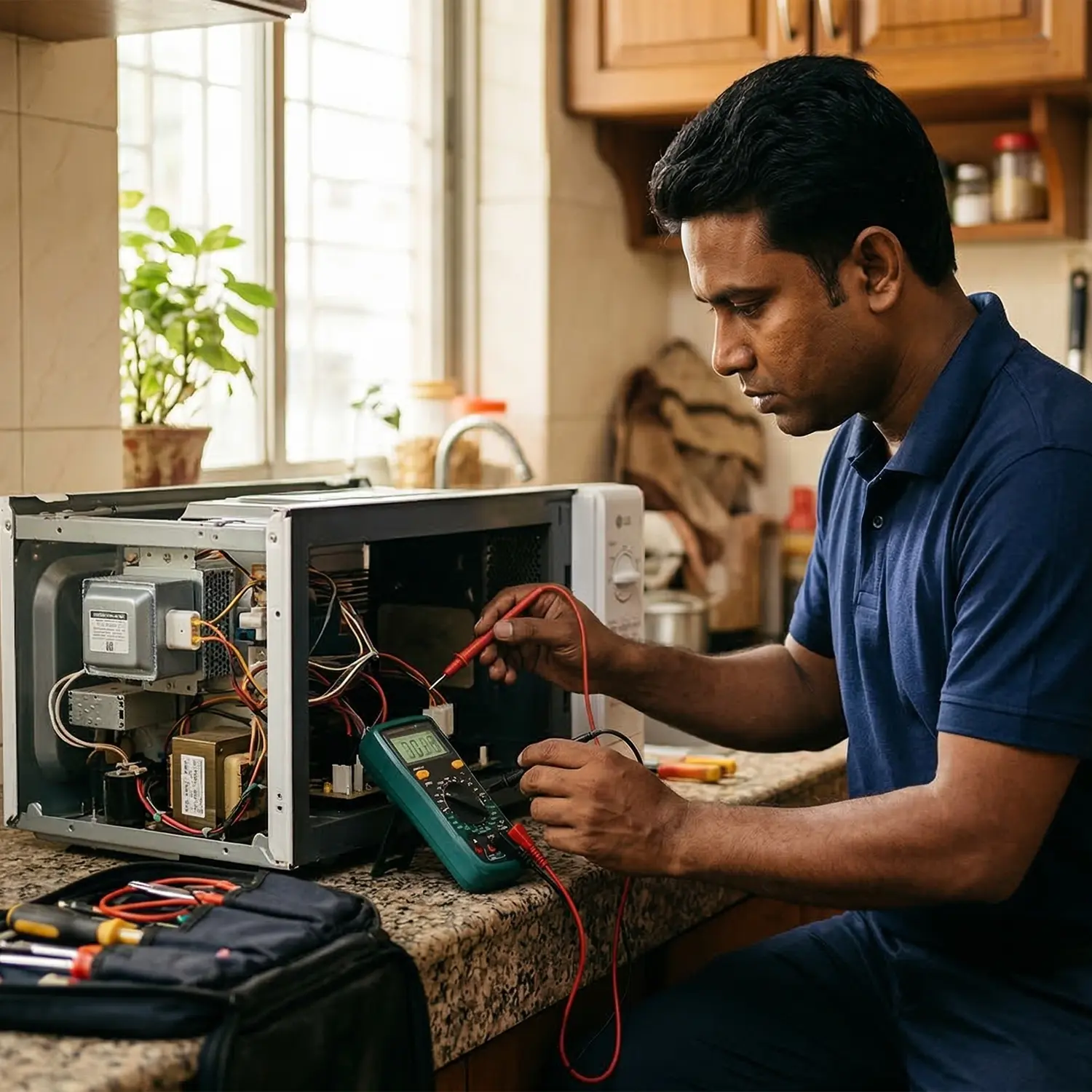
Microwave Oven Not Heating Problem Fix
Will change gas stove
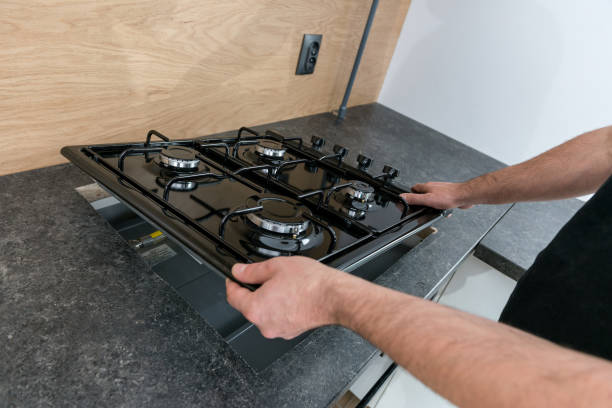
Gas Stove Repair
Overview
Our TV Remote Not Working Repair Service helps diagnose and fix issues when your television remote control stops responding or works inconsistently. Remote control problems can occur due to weak or dead batteries, worn-out buttons, internal circuit faults, damaged infrared transmitters, or issues with the TV’s remote sensor. Our technicians begin by checking the remote’s battery condition and inspecting the keypad and internal contacts for dirt, wear, or damage. The signal transmission system of the remote is also tested to ensure it is sending proper infrared signals to the TV. If necessary, the remote is cleaned, repaired, or adjusted to restore proper button response and signal transmission. In addition, the TV’s remote receiver sensor is checked to ensure it can properly detect remote signals. After the repair process, the remote control is tested to confirm smooth operation, accurate response, and proper communication with the television. This service helps restore full control of your TV without the need to immediately replace the remote.